
What is the difference between Hotmail.com, Msn.com, Live.com, and Outlook.com?
Confused between Hotmail.com, Msn.com, Live.com, and Outlook.com? Wondering what they are and how they differ? Well, have you ever tried contacting www.hotmail.com? If you did, you would have been redirected to the Outlook login page. This is because Hotmail was actually redirected to Outlook. So, simply put, Hotmail.com, Msn.com, Live.com, and Outlook.com refer to more or less the same web email service. Ever since Microsoft acquired Hotmail, it has been renaming the service over and over again, totally confusing its users. This was the journey from Hotmail to Outlook:
Hotmail
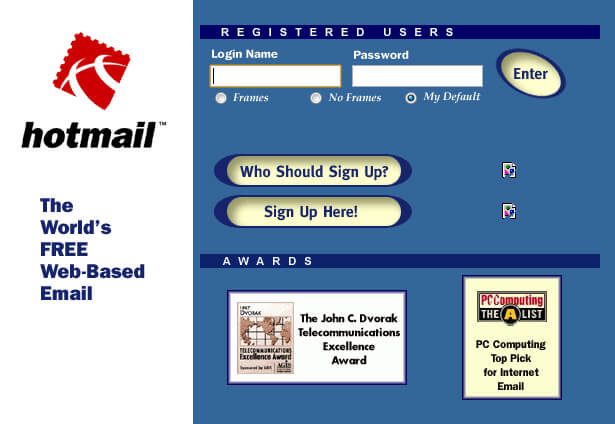
Uno de los primeros servicios de correo web, conocido como Hotmail, fue fundado y lanzado en 1996. Hotmail fue creado y diseñado utilizando HTMLHTML (Hypertext Markup Language) se usa para estructurar el contenido de texto de un documento web. No sólo se marca el contenido, sino además la meta-información que describe este contenido. Las páginas HTML se almacenan normalmente en el directorio raíz del servidor. Cómo se creó En la era digital, a los usuarios les resulta difícil hallar su camino en las webs y hacer un seguimiento de las estructuras de las plus (HyperText MarkupEn la optimización de motores de búsqueda, el término markup (o marcado) incluye la oportunidad de añadir información adicional para los motores de búsqueda a los datos en el código fuente. Las marcas de revisión en lenguajes de marcado estandarizados se usan para estructurar el código fuente y facilitar a los motores de búsqueda la comprensión de cómo se procesan las marcas de revisión. El contenido o el código fuente plus Language) y, de este modo, fue originalmente escrito en mayúsculas como HoTMaiL. Permitió a los usuarios tener acceso a su bandeja de entrada desde cualquier lugar y de este modo liberó a los usuarios del email basado en ISP. Se hizo bastante popular a sólo un año de su lanzamiento.
Msn Hotmail
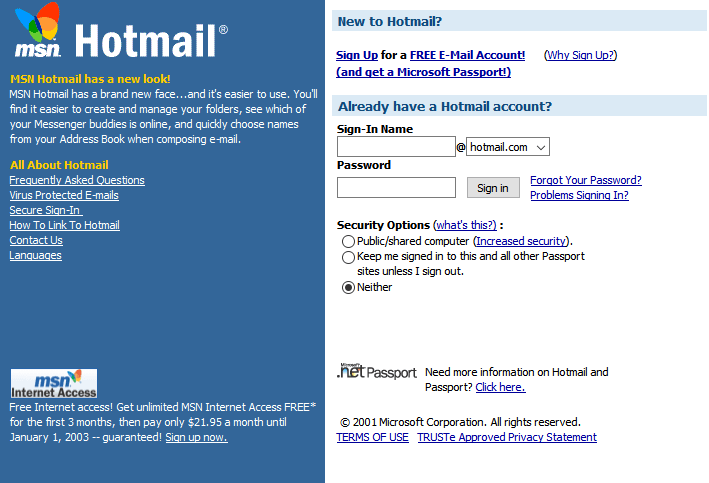
Microsoft acquired Hotmail in 1997 and merged with Microsoft's Internet services, known as MSN (Microsoft Network). At the time, Hotmail was renamed MSN Hotmail, while it was still popularly known as Hotmail itself. Later, Microsoft linked it with Microsoft Passport (now Microsoft account) and merged it with other services under MSN such as MSN messenger (instant messaging) and MSN spaces.
Windows LIVE Hotmail
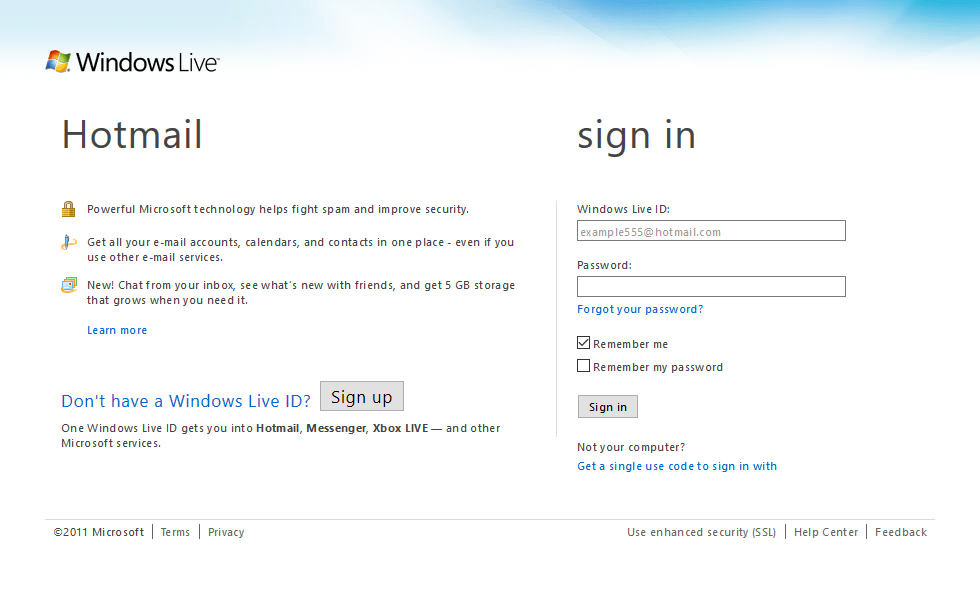
In 2005-2006, Microsoft announced a new brand name for many of MSN's services, in other words, Windows Live. Initially, Microsoft planned to rename MSN Hotmail to Windows Live Mail, but beta testers preferred the well-known name Hotmail. As a consequence of this, MSN Hotmail became Windows Live Hotmail among the other renowned MSN services. The service focused on improving speed, increasing storage space, improving user experience and usability features. Later, Hotmail was "reinvented" to add new features like Categories, Instant Actions, Scheduled Sweep, and so on.
A partir de entonces, la marca MSN cambió su enfoque principal hacia el contentsEl contenido puede ser muy difícil de definir con precisión. Es una definición que se refiere a las declaraciones contenidas en un documento o publicación de cualquier tipo y puede incluir las tecnologías de la información y la comunicación. Esto cubre todos los tipos de medios como imágenes y texto. A parte de esto, en el campo de la optimización de motores de búsqueda, los términos duplicar contenido, contenido único, plus en línea como las noticias, el clima, los deportes y el entretenimiento, que se puso a disposición mediante su sitio web msn.com y Windows Live cubrió todos los servicios en línea de Microsoft. Los antiguos usuarios que no se habían actualizado a este nuevo servicio podían seguir accediendo a la interfaz de MSN Hotmail.
Outlook
In 2012, the Windows Live brand was discontinued. Some of the services were independently renamed and others were integrated into the Windows operating system as applications and services. Until now, the webmail service, even though it was renamed a few times, was known as Hotmail, but after the discontinuation of Windows Live, Hotmail became briefly in Outlook. Outlook is the name by which Microsoft's webmail service is known at this time.
Now, outlook.com is the official web email service that you can use for any of your Microsoft email addresses, be it the email from outlook.com or the previously used one from Hotmail.com, msn.com, or live.com. Note that while you can still have access to your old email accounts at Hotmail.com, Live.com, or Msn.com, new accounts can only be made as outlook.com accounts.
This is how Hotmail changed to MSN Hotmail, later to Windows Live Hotmail and in short to Outlook. All this rebrand and name change by Microsoft led to confusion among users. Now that we have Hotmail.com, Msn.com, Live.com, and Outlook.com all clear, there is still one more confusion. What do we mean precisely when we say Outlook? Before when we said Hotmail, others knew what we were talking about, but now, after all this name change, we see many different products or services linked to the common name "Outlook."
Outlook.com: AppConcepto de APP¿Qué es una APP?Una App es todo aquel programa que se ejecuta desde una interfaz teléfono celular, es decir, desde un móvil o una tablet. Consiste en la herramienta principal para cualquier usuario que tenga un teléfono teléfono celular, de todo el software que se mueve en tiendas digitales como Google Play Store o la App Store y que tanto se adentra en cualquier terminal moderno.Es un concepto plus web vs App de escritorio
Before we go on to understand how Outlook.com, Outlook Mail, and Outlook are different, we'll first talk about the two totally different things: web email client (or web app) and desktop email client. These are simply the two possible alternatives for accessing emails.
Web email client
Utilizas un cliente de email web cada vez que inicias sesión en tu cuenta de email en un browserUn navegador (además: browser) es una herramienta informática que te permite ver documentos y datos y navegar por la red. Los navegadores pueden mostrar distintos tipos de recursos de información; principalmente documentos HTML, a pesar de todo, además son posibles otros tipos de archivos y contenido multimedia, como PDF, JPEG, MPEG, GIF o el lenguaje de meta marcado. A través el uso de complementos especiales y la configuración respectivo, los plus web (como Chrome, Firefox, Internet Explorer, etc.). A modo de ejemplo, si accedes a tu cuenta en outlook.com en cualquiera de los browsersConcepto de Navegadores¿Qué son los Navegadores?Los Navegadores son herramientas informáticas que utilizamos para, normalmente, navegar por Internet y visitar cualquier página web, al mismo tiempo de para hacer otras tareas como ver documentos, observar vídeos o reproducir contenido multimedia de cualquier tipo. Son un tipo de software sencillamente usual y bastante utilizado hoy en día.Insistimos en que es algo que se utiliza con mucha frecuencia, puesto que moverse por Internet plus web. No necesitas un programa específico para tener acceso a tus mensajes de email mediante un cliente de email web. A pesar de funcionar completamente online y cumplir con altos estándares de seguridad online accounts are vulnerable to hacking. All it requires is a device (like your PC or laptop) and an internet connection. Please note that when you access your email messages through your mobile phone's web browser, you are using a web email client again.
Desktop email client
On the other hand, you are using a desktop email client when you launch a program to access your emails. You could be using this program on your computer or even on your mobile device phone (in which case it is a mobile device email application). In other words, the specific program you use to specifically access your email account is your desktop email client.
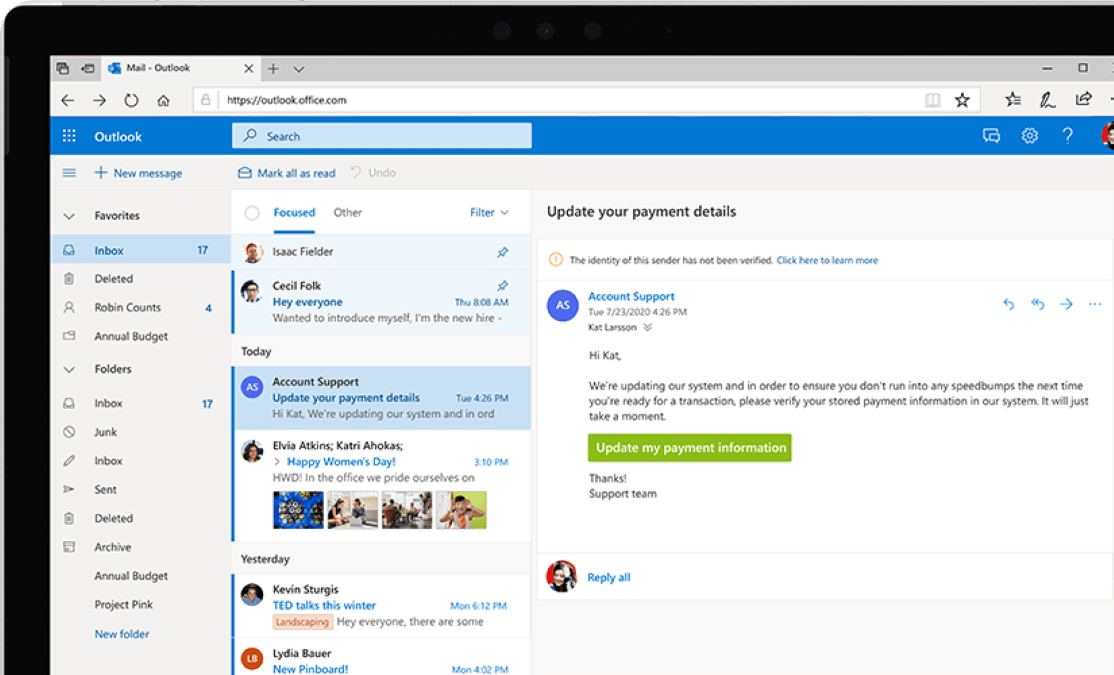
Now, you must ask yourself why we are talking about these two types of email clients. In fact, this is what differentiates Outlook.com, Outlook Mail and Outlook. Starting with Outlook.com, it actually refers to Microsoft's current email client, which was previously Hotmail.com. In 2015, Microsoft released the Outlook Web App (or OWA), which is now "Outlook on the web" as part of Office 365. It included the following four services: Outlook Mail, Outlook Calendar, Outlook People, and Office Tasks. Outlook. Of these, Outlook Mail is the web email client you use to access your emails. You can use it if you have subscribed to Office 365 or if you have access to Exchange Server. In other words, Outlook Mail is the replacement for the Hotmail interface that you previously used. Lastly, Microsoft's desktop email client is called Outlook or Microsoft Outlook, or sometimes Office Outlook. It is part of Microsoft Outlook from Office 95 and includes features such as the calendar, the contact manager and protocols for start in safe mode . Note that Microsoft Outlook is also available for mobile phones and tablets with Android or iOS operating systems and for some versions of Windows phone.
So that's it. We hope that all your confusions associated with Hotmail and Outlook are resolved now and you are all clear.








