
 es un protocolo que permite determinar una conexión segura entre el servidor y el cliente, que no puede ser interceptada por personas no autorizadas. En resumidas cuentas, es la versión segura de el http (Hyper Text Transfer Protocol) Cómo funciona Una conexión HTTP estándar en Internet puede ser fácilmente secuestrada por partes no autorizadas. El propósito de una conexión HTTPS es evitar esto: encriptar<span class="glossaryai-more-link"> <a href="https://rmarketingdigital.com/en/wiki/https/" data-wpel-link="internal">más</a></span></span></span></span></span>://rmarketingdigital.com/wp-content/uploads/2021/04/imagenes-pantalla-bloqueo-windows-10-1873973.jpg)
<noscriptNoScript es un complemento del navegador para Mozilla Firefox, que impide que se cargue en las páginas web contenido como JavaScript, Flash o iFrames. Su objetivo es incrementar la seguridad durante la navegación y quitar la promoción comercial más molesta al cargar sitios web. El términoNoScript tiene un significado distinto en la programación HTML. Cuando JavaScript está desactivado, la etiqueta <noscript> o </noscript> asegura que el usuario pueda ver el plus>

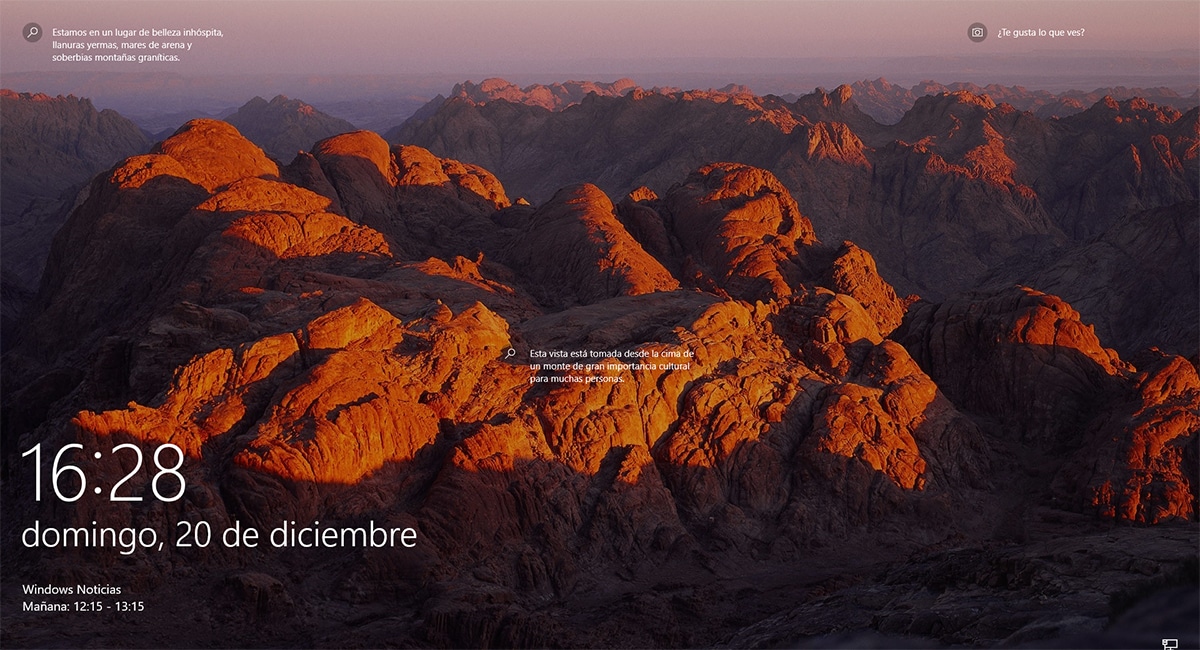
One of the functions that I like the most about Windows 10 is the lock screen, a lock screen that shows us a different image every time we start our computer or disconnect, so it is difficult that at some time we can get tired of that image.
Todas estas imágenes son las mismas que regularmente podemos hallar en el buscador de BingBing es el sucesor del motor de búsqueda "Live Search" de Microsoft y se considera una ayuda para la toma de decisiones. Desde su entrada en el mercado en 2009, Bing ha estado tratando de alcanzar a su competidor superior Google, pero no ha sido capaz de ganar una mayor cuota de mercado. Siendo eclipsado por el dominio de Google, el algoritmo de Bing no ha estado recibiendo mucha atención. plus, buscador de Microsoft. Del mismo modo que con Bing, podemos know where the image is that are shown, through the home screen we can also know it, we just have to follow the steps that I explain below.
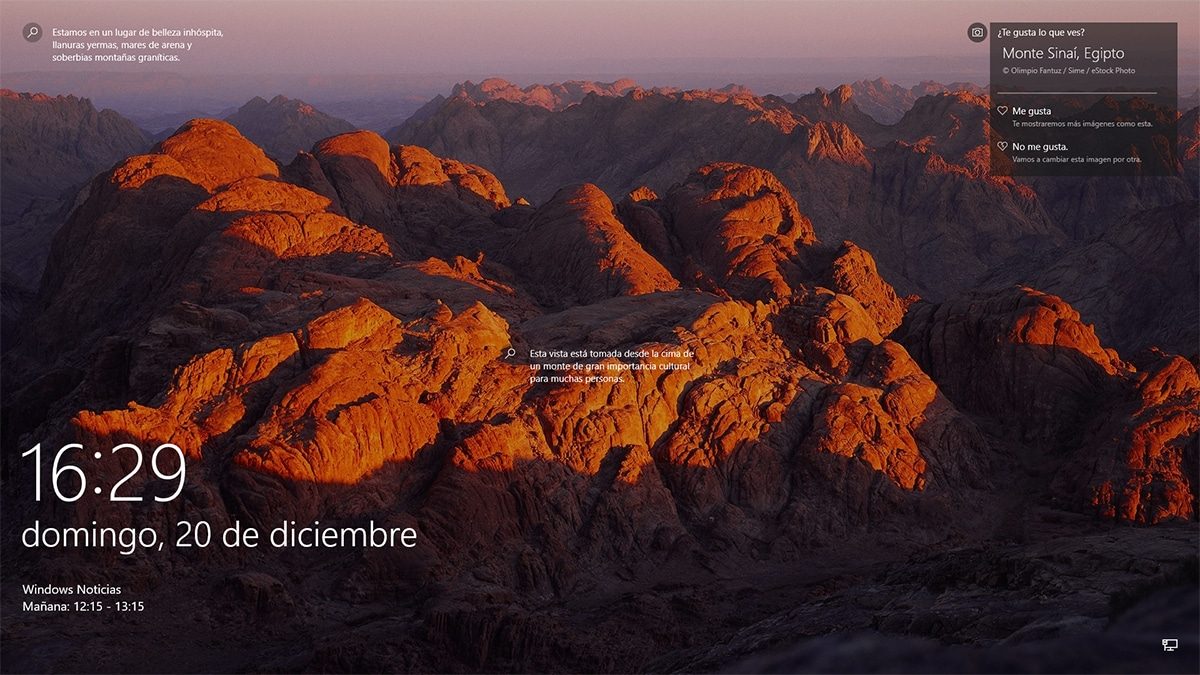

To know more information about the image shown, we must click on the option You like this? This option is at the top right of the screen. By clicking on it, not only will the location be shown, but it will also offer us the option to change the image for another.
If you like the image, you can click on the I like option, so that Windows begins to know our tastes and shows us in the future, similar images.
Determine a dynamic background in Windows 10
If we want the block screen to change image automatically every time we start our computer, we must have access to the Personalization menu available within the Windows configuration options and click on Lock screen.
Next, in the Background section, we must choose from the drop-down box ContentEl contenido puede ser muy difícil de definir con precisión. Es una definición que se refiere a las declaraciones contenidas en un documento o publicación de cualquier tipo y puede incluir las tecnologías de la información y la comunicación. Esto cubre todos los tipos de medios como imágenes y texto. A parte de esto, en el campo de la optimización de motores de búsqueda, los términos duplicar contenido, contenido único, plus destacado de Windows. From this dynamic, every day we will have a different image on the lock screen of our computer managed by Windows 10, being the best way to travel to other places without leaving home-









