
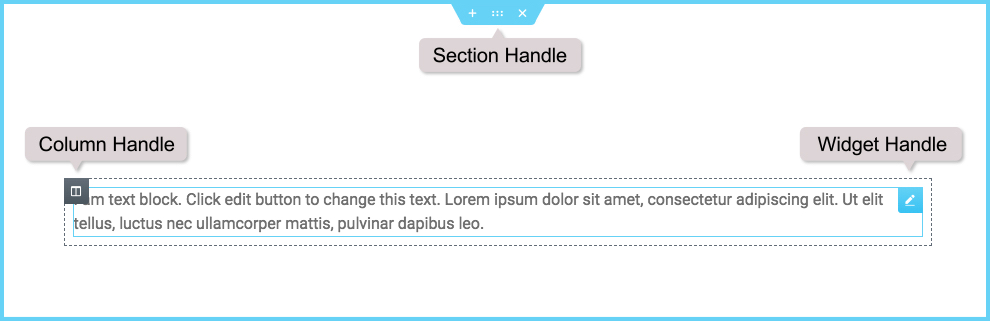
Elementor uses three main building blocks: Sections, Columnsand WidgetsConcepto de Widgets¿Qué son los Widgets?Los Widgets son una serie de pequeños programas que se usan para añadir funciones, simplificar o automatizar aquellas acciones que se lleven a cabo a menudo dentro de una web. Son herramientas adicionales, añadidos que se elaboran con la finalidad de hacer más fácil las labores de mantenimiento o inclusive de generación de contenidos dentro de cualquier sitio de Internet y que no han hecho plus.
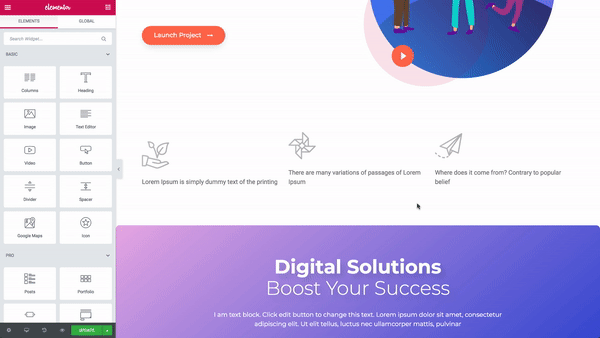
Sections are the largest building blocks, and within them are clusters of Columns. Columns sit inside Sections and are used to house the Widgets. Widgets are placed inside Columns.
You control the Section, Columnand Widgets with its handle.
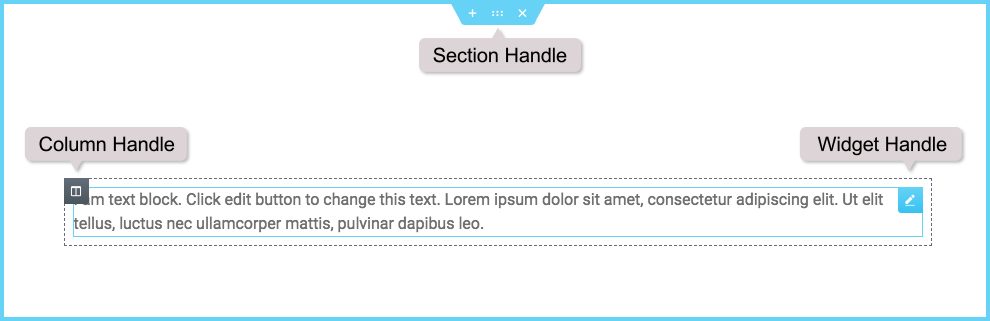
You can choose to show or hide the edit handles by clicking the burger menu to open the Elementor Settings & Style Settings menu. Click on the preferences tab and slide the switch to yes to display edit handles when hovering over the item's edit button or No to hide handles when hovering.
 es un protocolo que permite determinar una conexión segura entre el servidor y el cliente, que no puede ser interceptada por personas no autorizadas. En resumidas cuentas, es la versión segura de el http (Hyper Text Transfer Protocol) Cómo funciona Una conexión HTTP estándar en Internet puede ser fácilmente secuestrada por partes no autorizadas. El propósito de una conexión HTTPS es evitar esto: encriptar<span class="glossaryai-more-link"> <a href="https://rmarketingdigital.com/en/wiki/https/" data-wpel-link="internal">más</a></span></span></span></span></span>://rmarketingdigital.com/wp-content/uploads/2020/09/file-tVHYQXjE0E-9717020.gif)
Edition
To edit the Section, Columnor Widget, The right button of the mouse its handle.
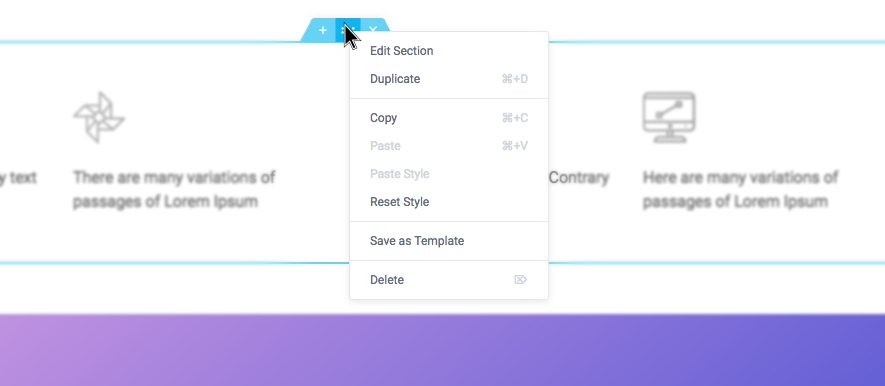
Note: Learn more about right click
Section
- Click on the
icon to create a Sectionor click the
icon to use a clip art Page or To block from our library
- Establish the structure of your spine
- Right click to edit, duplicate, copy, delete, etc.
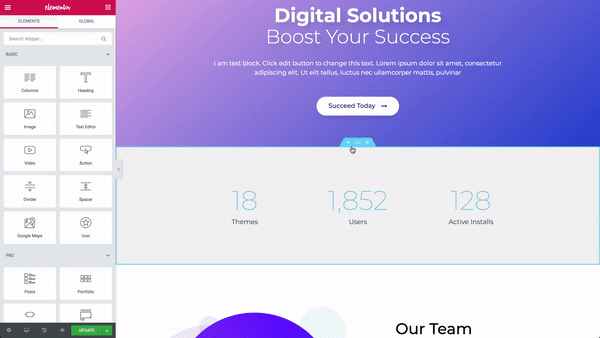
Use the Section handle
 to: Add a section, drag a section, or Remove.
Note: Learn more about sections here
Column
- Select the Column width. You can do it below Design, or drag the dashed line between the Columns.
- To add more columns The right button of the mouse > Add new column
- Insert Widgets for you Columns
Note: Learn more about columns here.
Widget
- Insert Widgets inside your Columns
- A widget the width is set by the Column width
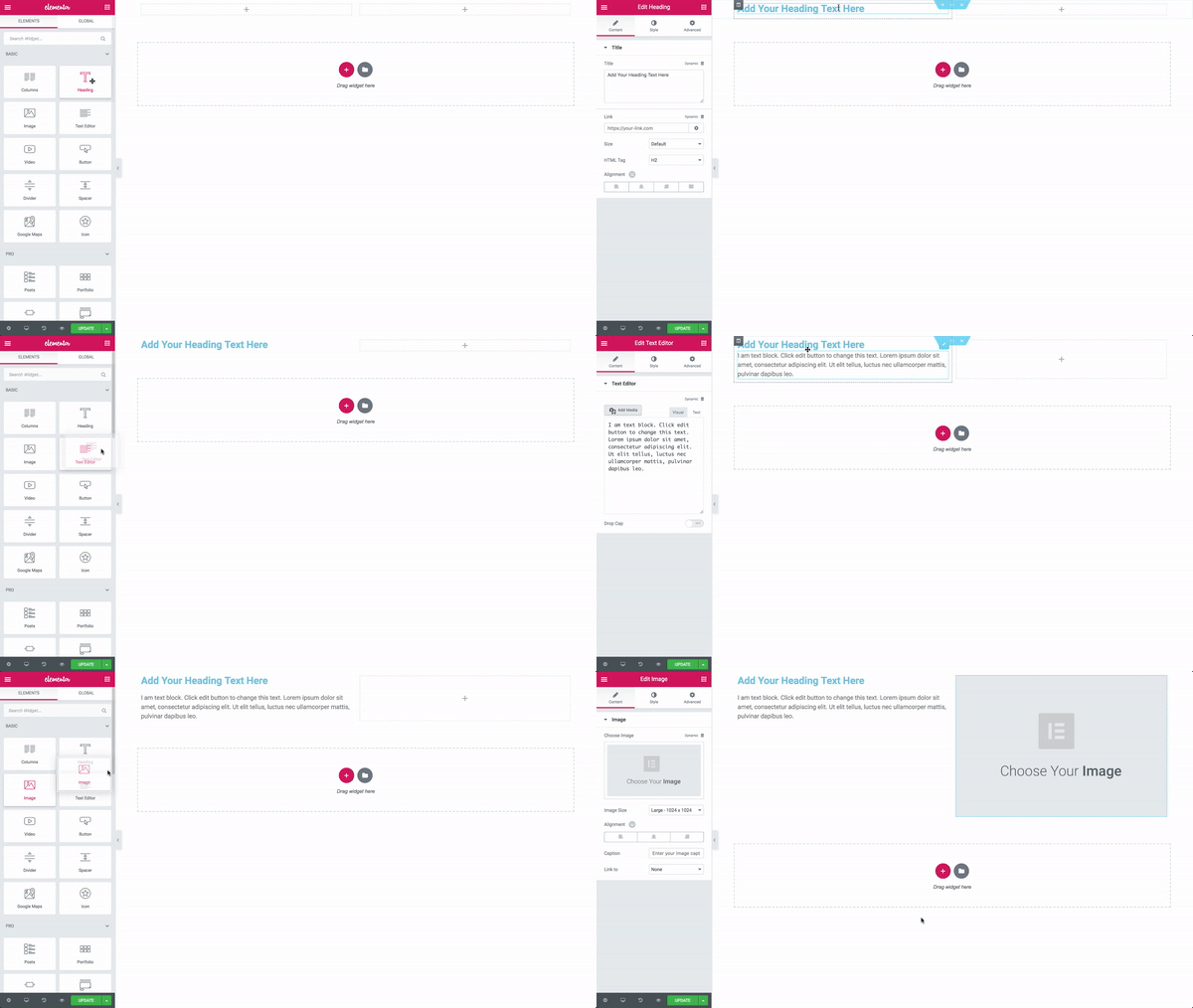
Note: Learn more about Elementor widgets here
Next step: insert templates on your page








